

The built-in Co-Pilot
The Co-Pilot answers natural-language questions about your devices, data, models, and metrics — grounded in your organization’s live data, with no setup or keys. Ask “how many devices are offline?” or “how much data needs annotating?” and it reads the current state and answers with rich cards you can act on.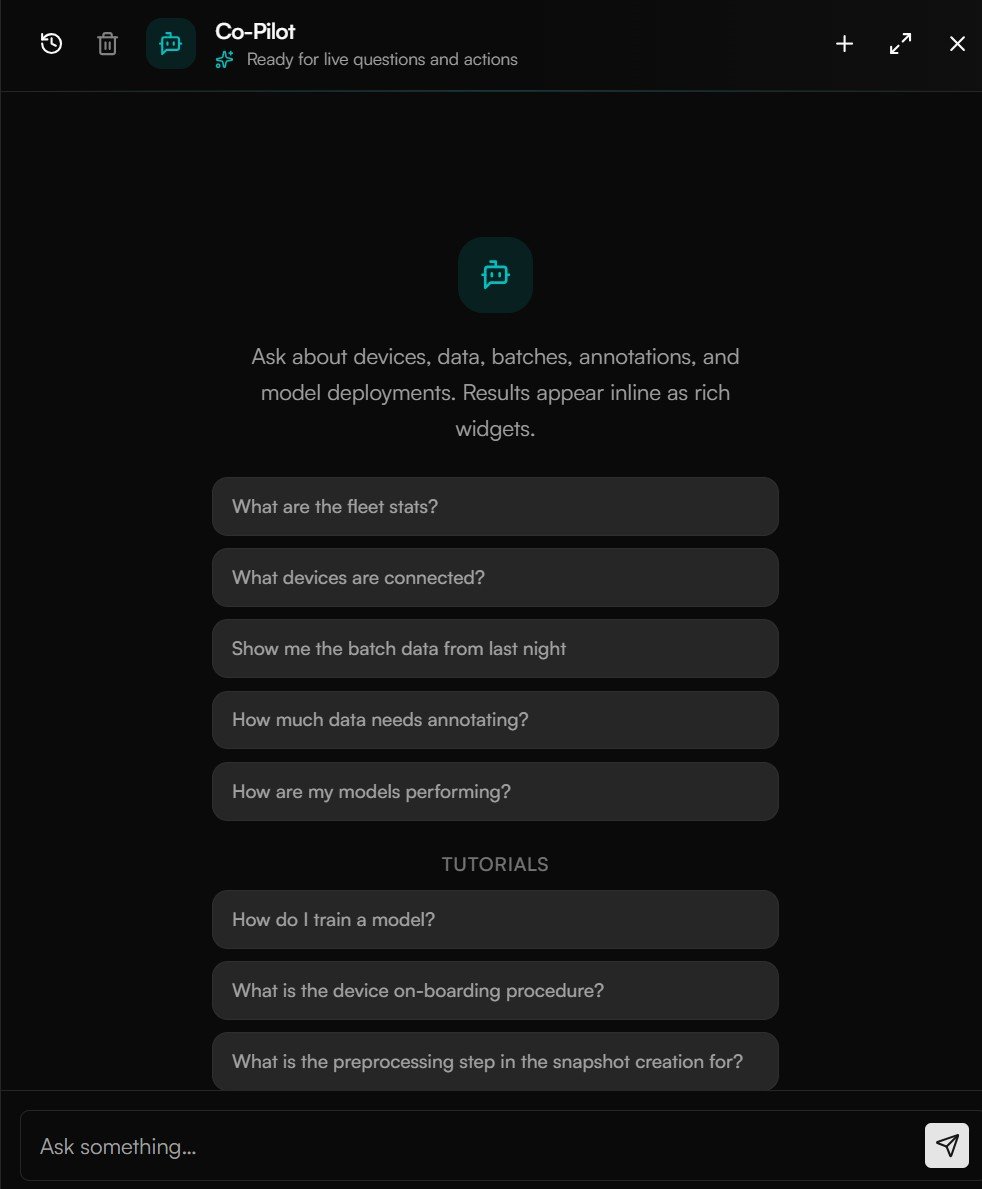
Ask in plain English; the Co-Pilot reads your live data and answers with rich cards.
What MCP exposes
Under the hood, the Co-Pilot is driven by an MCP server — a catalog of read-only tools over your AcuSight data. The same tools are what an external MCP client would call:
Every tool is read-only and organization-scoped — an AI client can ask about your data but can’t change anything. Tools accept natural time expressions (
last-7d, yesterday, this-week), resolved in your timezone.
Connect an external AI client
With MCP, an assistant like Claude Desktop or Cursor can answer questions about your fleet directly in your own workflow — “summarize today’s defects on line 3” — by calling those same tools.Self-serve MCP for the hosted service is coming. Connecting an external client to AcuSight over MCP currently requires a scoped, self-managed setup rather than a one-click hosted connection. If you want to wire Claude, Cursor, or another MCP client into your AcuSight data, get in touch and we’ll help you set it up.
Next steps
Ask the Co-Pilot
Use the built-in assistant to check on your fleet.
REST API overview
Prefer to call the API directly? Start here.