

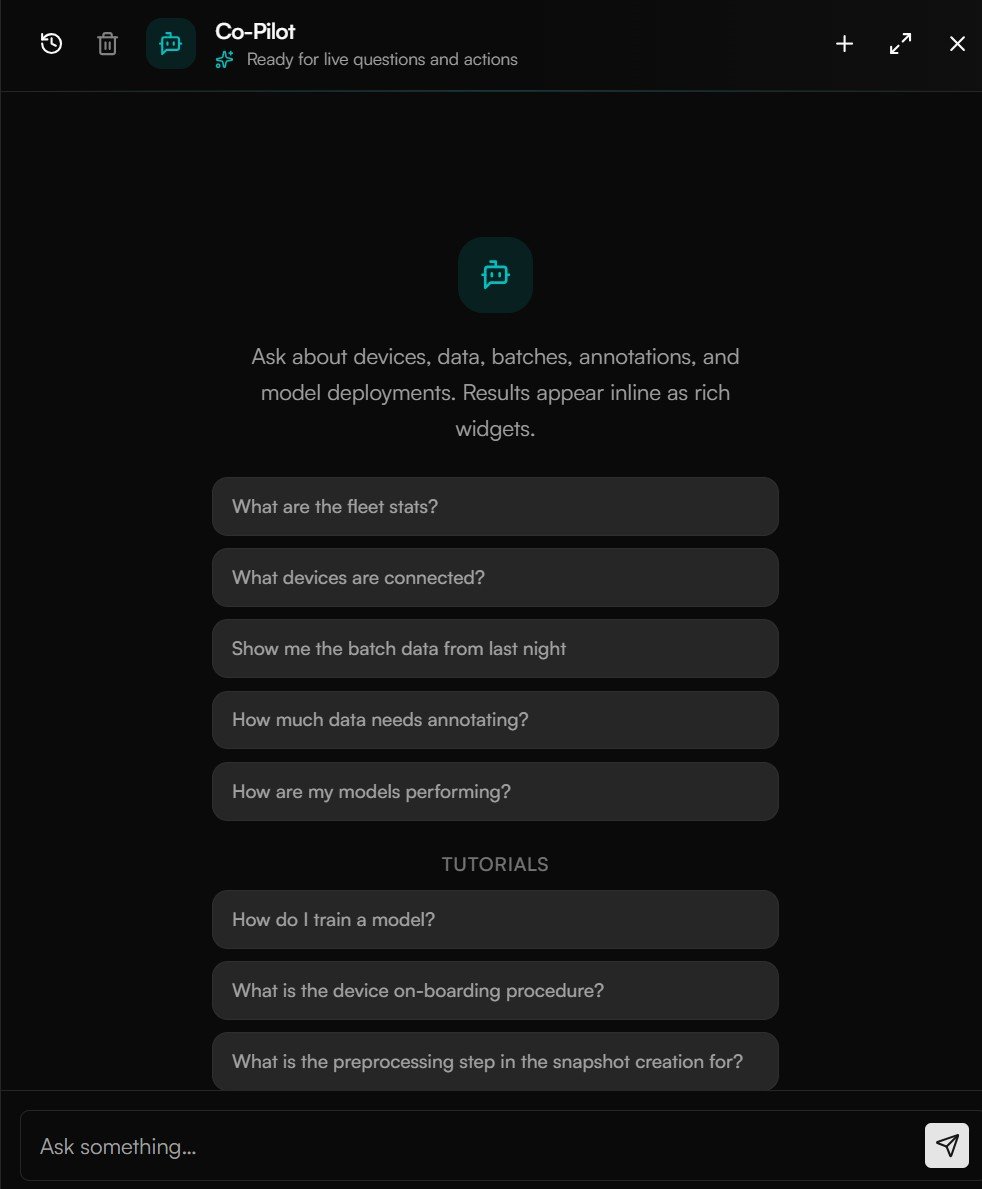
Open the Co-Pilot from any page and ask about your devices, data, and models.
Open the Co-Pilot
There are two ways in:- Side panel — open the Co-Pilot from the button in the top bar on any page to ask a quick question without losing your place.
- Full page — maximize the panel for a dedicated workspace with your full conversation history.
Ask your first question
Type a question the way you’d ask a colleague. Try:Questions to try
The Co-Pilot understands your fleet, your data pipeline, your models, and your metrics. A few examples:Fleet
“How many devices are offline?” · “Show me the fleet stats.”
Data pipeline
“How much data needs annotating?” · “Show me batches from last night.”
Models
“Which models are pending updates?” · “How are my models performing?”
Monitoring
“What’s the detection summary today?” · “Show me OEE for last week.”
Refine with follow-ups
After each answer, the Co-Pilot suggests follow-up prompts to go deeper — narrow to a single device, change the time window, or jump to the underlying page. You can also just ask in your own words; it remembers the thread. Time expressions work naturally — “today”, “last week”, “yesterday”, or a specific date — and are interpreted in your timezone.The Co-Pilot has read-only access to your data — it answers questions and links you to the right place, but it won’t change anything behind your back.
It knows the product, too
Beyond your live data, the Co-Pilot can answer “how do I…” questions about using AcuSight itself — like “How do I train a model?” or “What’s the device onboarding procedure?” — so it doubles as an in-context guide while you work.Next steps
Co-Pilot & MCP
Connect external AI tools to your AcuSight data.
Monitoring
See the dashboards behind the metrics the Co-Pilot reports.