

Preprocessing and augmentation apply to the training split only. Your validation and test sets stay untouched, so evaluation stays honest.
Preprocess
Preprocessing prepares images before training. The most common step is Filter Null — dropping images with no annotations (or capping how many empty images to keep), so the model isn’t diluted by blank frames.Augment
Augmentation applies stochastic transforms to the training split, multiplying it into new, realistic examples. It’s powered by Albumentations, so its full library of image transforms — flips, rotation, blur, noise, brightness, and more — is available. Add one or more steps:- In the snapshot’s Augmentation section, select Add Augmentation Step.
- Choose a transform and set its parameters (for example, a 50% chance of a horizontal flip).
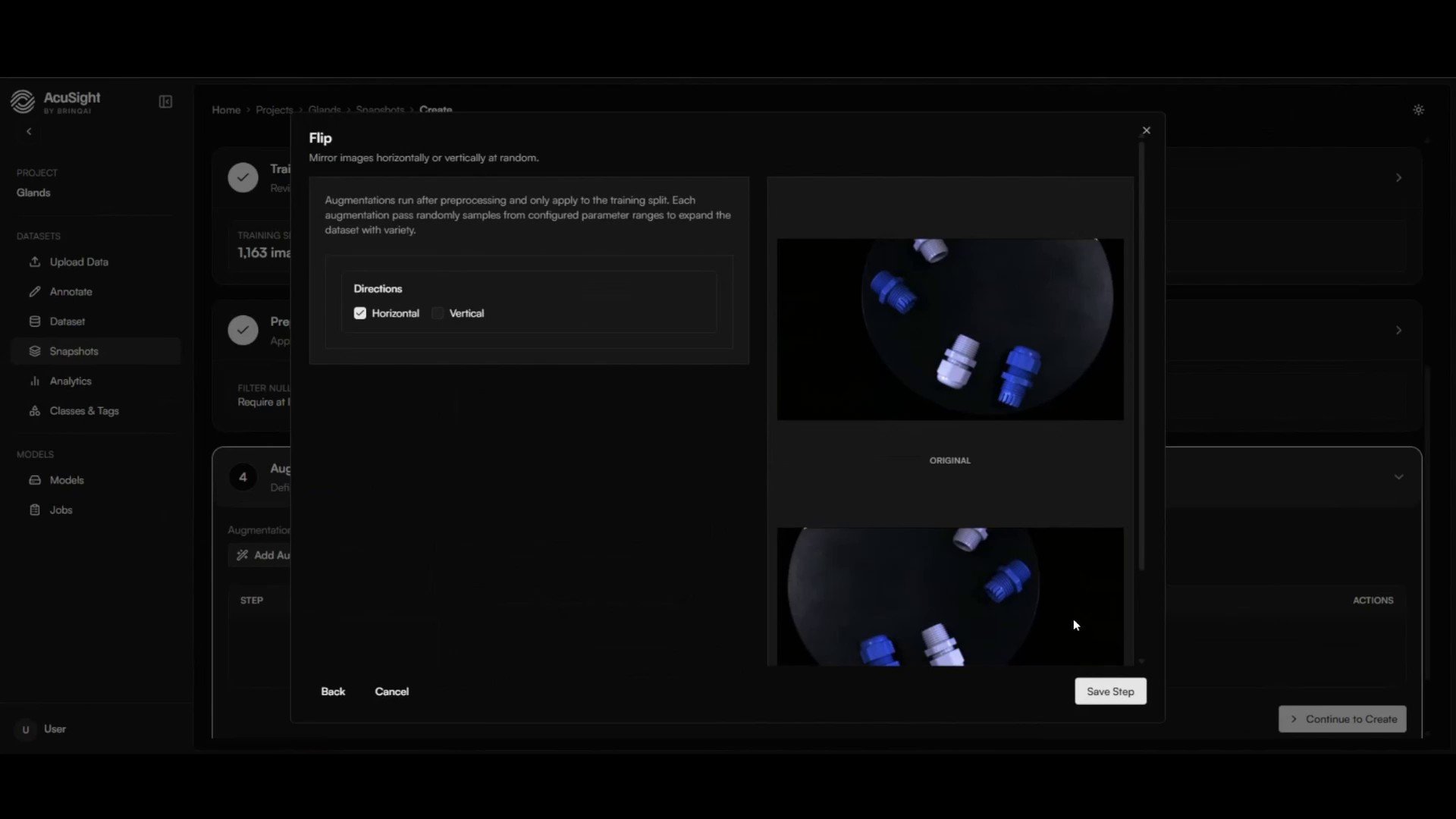
Stack transforms to mirror the variation your model will see in production.
Next steps
Train a model
Put your dataset version to work and train a detector.
Create a dataset version
Where preprocessing and augmentation are configured.